Alight Motion vs CapCut: Which App Is Better for Mobile Video Editing in 2026?
If you edit video on your phone, chances are you have considered both Alight Motion and CapCut. Both apps are free to start, both are hugely popular among creators, and both can produce polished results. But they take different approaches, and the right choice depends on what kind of content you make. Alight Motion Apk breaks down the real differences to help you decide.
Quick Overview
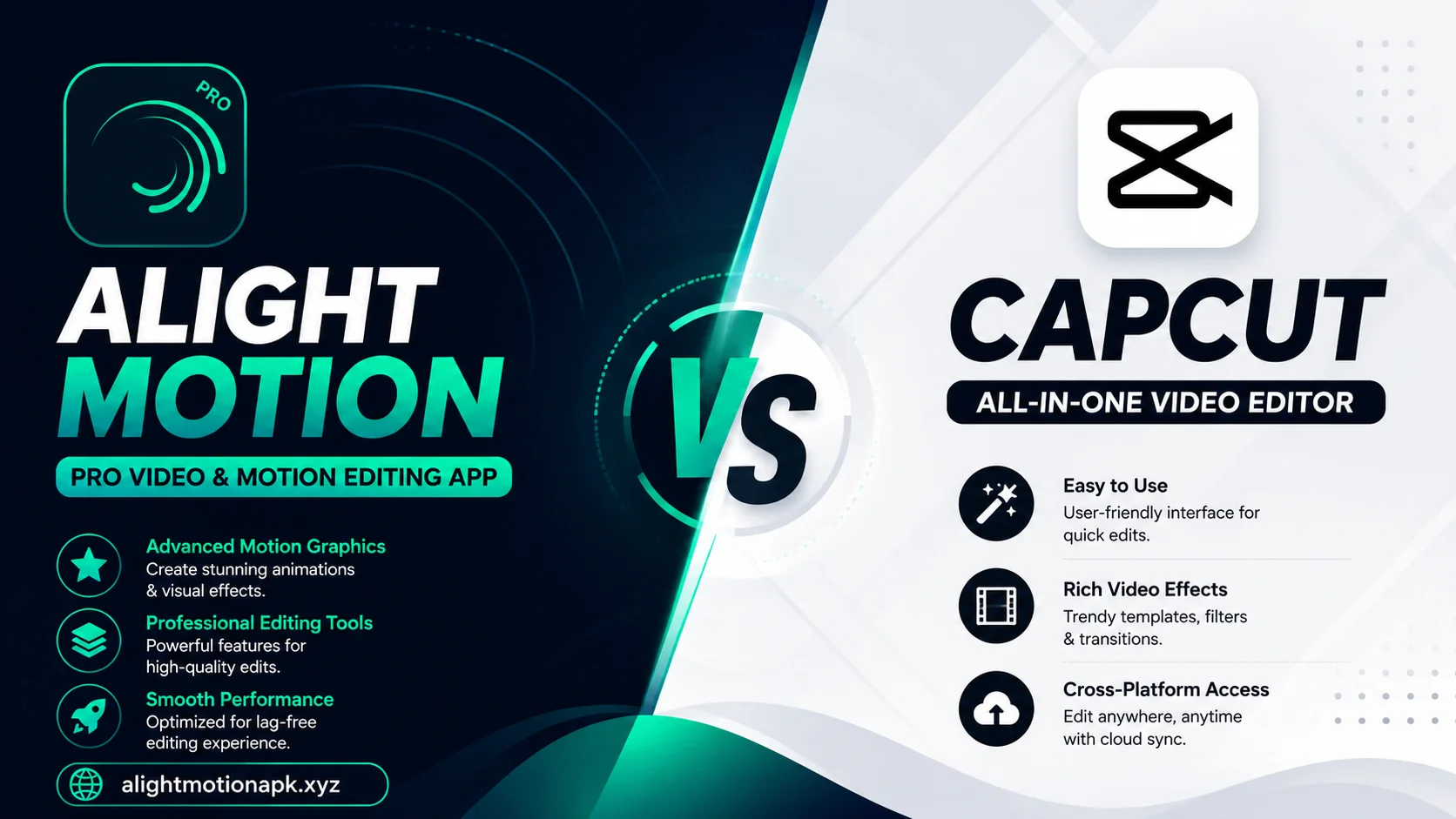
Alight Motion started as a motion graphics and animation tool. It gives you deep control over layers, keyframes, and effects, similar to desktop software but built for a phone screen.
CapCut started as a fast, simple video editor built for short form platforms like TikTok. It focuses on speed, built in trend templates, and an easy learning curve.
Neither app is objectively better in every case. They serve slightly different needs.
Ease of Use
CapCut wins here for most beginners. Its interface is straightforward, with big buttons and a clear timeline. You can cut, trim, add text, and apply a trending effect within minutes of opening the app for the first time.
Alight Motion has a steeper learning curve. Its interface resembles professional animation software, with layers, keyframes, and property panels that take time to understand. Once you learn the system, though, it offers far more precise control.
Animation and Motion Graphics
This is where Alight Motion clearly stands out. Its keyframe system lets you animate almost any property, position, scale, rotation, opacity, and more, with smooth, custom timing curves. If you want to build logo animations, custom text effects, or detailed motion graphics, Alight Motion gives you tools that CapCut simply does not offer.
CapCut includes some animation presets, but they are largely fixed. You pick from a library rather than building custom motion from scratch.
Speed Editing and Trend Content
CapCut shines for quick, trend based content. It includes built in templates that update constantly to match whatever is popular that week. You can drop your clips into a trending template and finish an edit in a few minutes.
Alight Motion can achieve similar results, including velocity edits and beat synced transitions, but it takes more manual setup since it lacks the same automatic trend templates.
Effects and Visual Style
Both apps offer strong effects libraries, but they lean in different directions.
CapCut leans toward filters, text animations, and social media friendly effects that are ready to use immediately.
Alight Motion leans toward customizable effects like blending modes, masking, chroma key, and particle style animations that give a more unique, hand crafted look once you learn to combine them.
Export Quality and Performance
Both apps support high resolution export, including 4K in many cases. Performance depends heavily on your device rather than the app itself, though some users report CapCut runs slightly lighter on older phones due to its simpler processing demands.
Alight Motion’s more complex projects, especially those with many layers and keyframes, can demand more from your device during export.
Free Version Limitations
CapCut’s free version is generous, though it has added a watermark and some premium features tied to a subscription in recent years, along with occasional ads.
Alight Motion’s free version includes a watermark on exports and limits access to certain premium effects and assets, similar to CapCut’s structure.
Both companies update their pricing and feature splits over time, so check the current terms inside each app before deciding.
Cross Platform Support
Alight Motion supports Android, iOS, and Windows, with project files that sync across devices if you use the same account. This makes it a strong choice if you switch between a phone and a tablet or computer.
CapCut also supports multiple platforms, including a desktop version, with similar cross device project access.
Which App Fits Your Content Style
- Choose CapCut if you make fast, trend driven content and want the shortest path from filming to posting. Its speed and built in templates make quick turnaround content easier.
- Choose Alight Motion if you want to build custom animations, detailed transitions, or a distinct visual style that sets your content apart from everyone using the same trending template.
- Use both if you want maximum flexibility. Many creators start a rough cut in CapCut for speed, then bring the clip into Alight Motion for custom effects and a final polish.
A Side by Side Summary
Learning curve: CapCut is easier for beginners. Alight Motion takes longer to master.
Animation control: Alight Motion offers far deeper control over custom motion.
Trend templates: CapCut updates trend templates more frequently and automatically.
Visual customization: Alight Motion allows more unique, hand built effects.
Speed of editing: CapCut generally produces a finished clip faster for simple edits.
Cross platform support: Both apps support multiple devices with account based syncing.
Frequently Asked Questions
Learning Resources for Each App
Whichever app you choose, tutorials make a real difference in how fast you improve.
CapCut has a huge library of quick, beginner friendly tutorials since its simple interface makes it easy to explain in a short video format.
Alight Motion tutorials tend to run longer, since the deeper feature set takes more time to explain properly. Look for creators who focus specifically on keyframe animation if you want to get the most out of the app’s strongest feature.
Final Thoughts
Alight Motion and CapCut both earn their popularity, but for different reasons. If speed and trend content matter most, CapCut likely fits your workflow better. If you want to build a distinct visual style through custom animation, Alight Motion gives you the deeper toolset to do it. Many creators end up using both, choosing whichever app fits the specific project in front of them. Keep checking Alight Motion Apk for more comparisons and tutorials to help you build the workflow that fits you best.